Assisi Forest 2026 Updates
A list of Assisi Forest changes in 2026.
Lake States Silviculture Implemented
2026.4.4
(Click here for the full Blog Post)
Since version 2026.1.2, Assisi has stored silviculture definitions: habitats, the forest types that each habitat supports, and the featured and associated species of each habitat. Plans apply thinning, clearcut and planting rules to stands either in scheduled years or through trigger rules, which evaluate a stand at scheduled checks.
Version 2026.4.4 added the simulation of silvicultural prescriptions over a planning horizon. The sample database contains a worked example: the “Lake States” unit, 146 stands built from FIA plots and a “Lake States” plan that applies the Lake States silviculture model to those stands for 30 years.
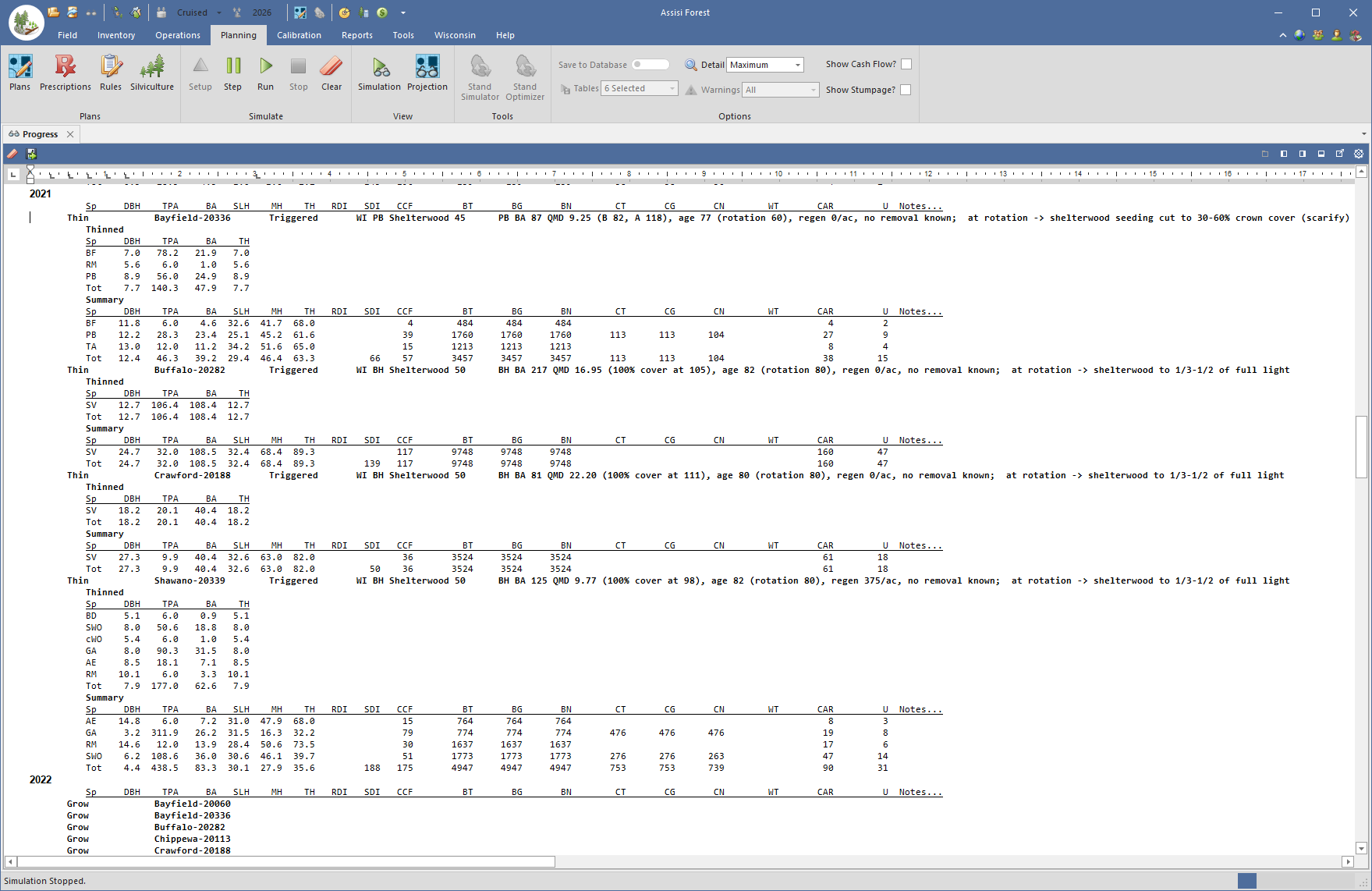
A silviculture trigger is evaluated at scheduled checks during a plan or simulation. At each check it reads the stand’s current condition and returns either a treatment (a thinning, a shelterwood cut or a clearcut) or a deferral to the next check. Each scheduled treatment carries a one-line reason, which is saved with the plan’s results.
The first complete silviculture model, Assisi’s representation of a silviculture guide, is that of the Wisconsin Silviculture Guide (Wisconsin DNR, FR-805).
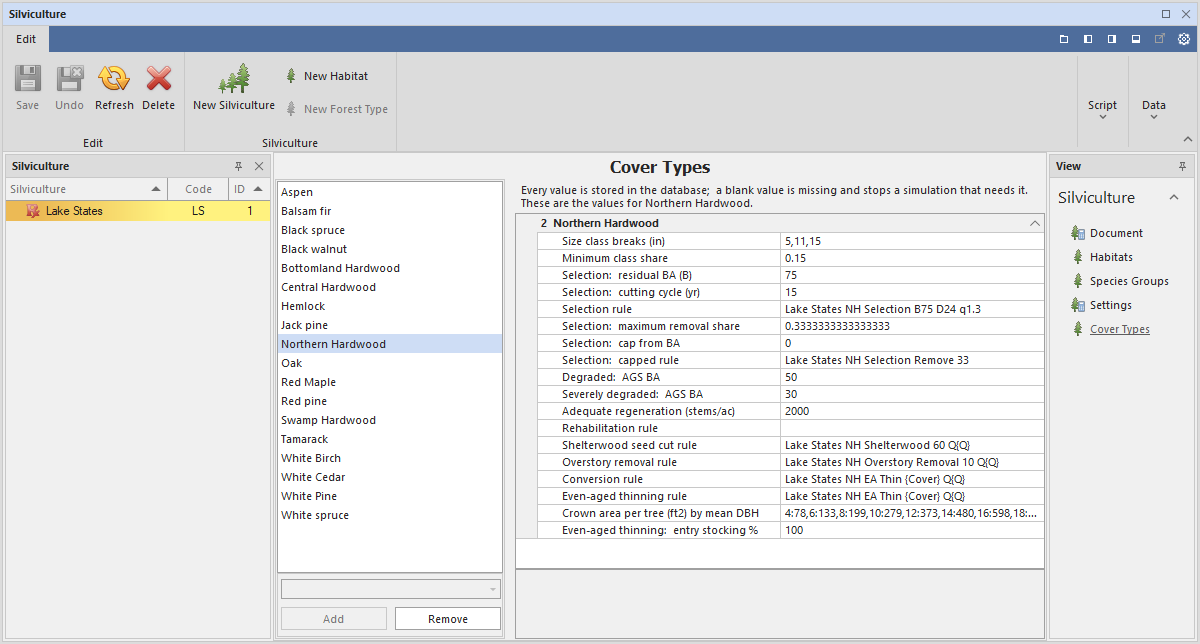
All 18 cover-type chapters of the guide are implemented. At each check the stand’s cover type is reassigned from its current trees by the guide’s cover type definitions, and the decision model of that cover type’s chapter prescribes the treatment: selection, thinning, shelterwood, clearcut, coppice or deferral. Kotar habitat types enter decisions such as rotation age by habitat group and oak site class.
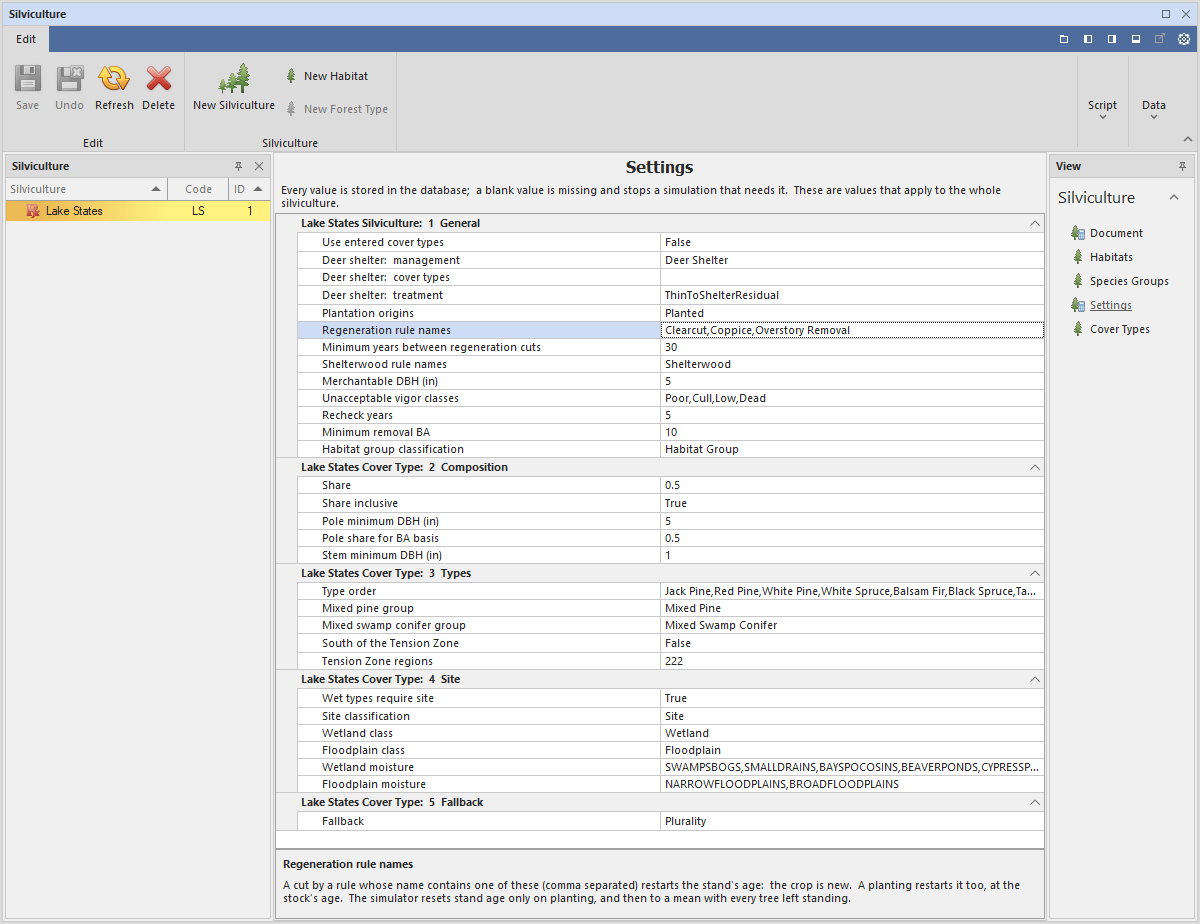
Each value taken from the guide is stored as an editable setting, and the Lake States tab on the ribbon applies the cover type definitions to existing inventory.
Kotar Habitat Classes Implemented
2026.4.4
The silviculture definitions in Assisi describe habitats, the forest types that each habitat supports, and the featured and associated species of each habitat. In the Lake States, site is classified by the habitat type system of Kotar and colleagues, in which habitat types are combined into habitat groups.
Version 2026.4.4 added habitat classes, which are edited in the Habitat Classes view of the Silviculture editor and allow each habitat to carry classifications such as its Kotar habitat group (for example, Dry to Dry-mesic, D-DM) or an oak site class. The Lake States silviculture reads the Kotar habitat group to set rotation ages for White Pine and Oak and to make the site-dependent choices named in the chapters of the Wisconsin Silviculture Guide. For stands without a habitat type, such as stands built from FIA plots, the Moisture class and Region are used in its place.
Adding Menu Items to the Main Menu
2026.4.4
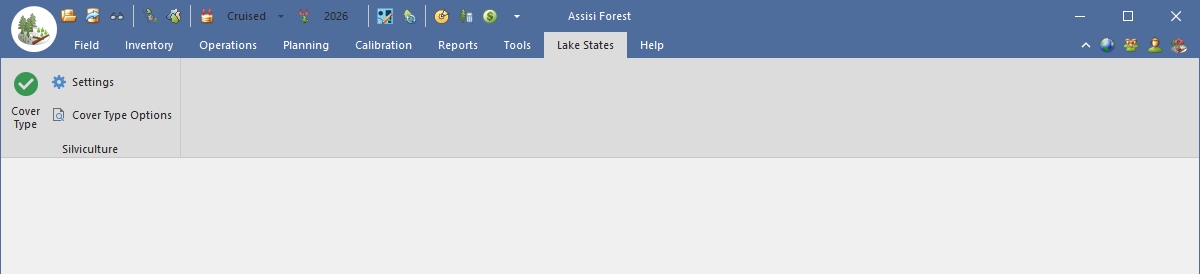
The Assisi main menu is a ribbon of tabs, groups and buttons. Assisi AddIns are C# libraries, available on the Assisi Enterprise platform, that add their own processing to Assisi.
Version 2026.4.4 allowed an AddIn to add tabs, groups and buttons to the ribbon, so that its routines are run from the main menu in the same way as built-in commands. AddIn settings are saved in the database as named profiles and edited in a settings form, and routines that change data show a preview before any change is written. The Lake States silviculture AddIn uses this mechanism.
Trigger Windows
2026.4.4
Trigger rules allow a plan to time a stand’s treatments by the stand’s condition rather than by fixed years. A trigger is scheduled on a stand with a Begin year and an End year, and at each check it evaluates the stand and returns a cut, a planting or a deferral.
Before version 2026.4.4 the End year was ignored, so a trigger continued to evaluate the stand until the end of the plan. A trigger now evaluates a stand only between its Begin and End years. Actions that it scheduled inside that window, such as a planting in the year after a clearcut, are still carried out after the End year. The End year of a new trigger defaults to the stand’s simulation horizon. Because windows can be scheduled back to back, one trigger can manage a stand for the first decades of a plan and a second trigger thereafter.
Faster Custom Grid Layouts
2026.4.4
Grids in Assisi can be customized by adding, removing and reordering columns, and added columns can calculate their values from SQL statements through the StandQuery() and SQL() functions. Earlier versions ran one database query for each cell on every repaint, scroll and sort, so the added SQL columns of large grids were slow to recalculate.
Version 2026.4.4 changed this processing so that the values for an entire unit are retrieved in one query and retained until the data are refreshed or saved. On an inventory of 6,398 stands, the time to calculate one layout column fell from 4.1 seconds to 0.38 seconds, and that of another from 9.0 seconds to 0.65 seconds. Layout queries are also checked when a layout is loaded; a query that fails, or that would change data, is reported rather than leaving an error message or a blank in the cell.
FIA Import Rebuilt
2026.4.4
Assisi imports Forest Inventory and Analysis (FIA) plot data as inventory, so that FIA plots can be compiled, grown and simulated in the same way as cruise data.
Version 2026.4.4 rebuilt the import for the current FIADB SQLite download and gave it its own import tab. Trees are placed on their recorded subplots; damage is taken from the FIA damage agent codes, cubic defect from CULL and ROUGHCULL, forest type from the condition with the largest area, and stand age from that condition’s stand age. Each imported stand is assigned a calibration and a market.
Thinning to Exact Targets
2026.4.4
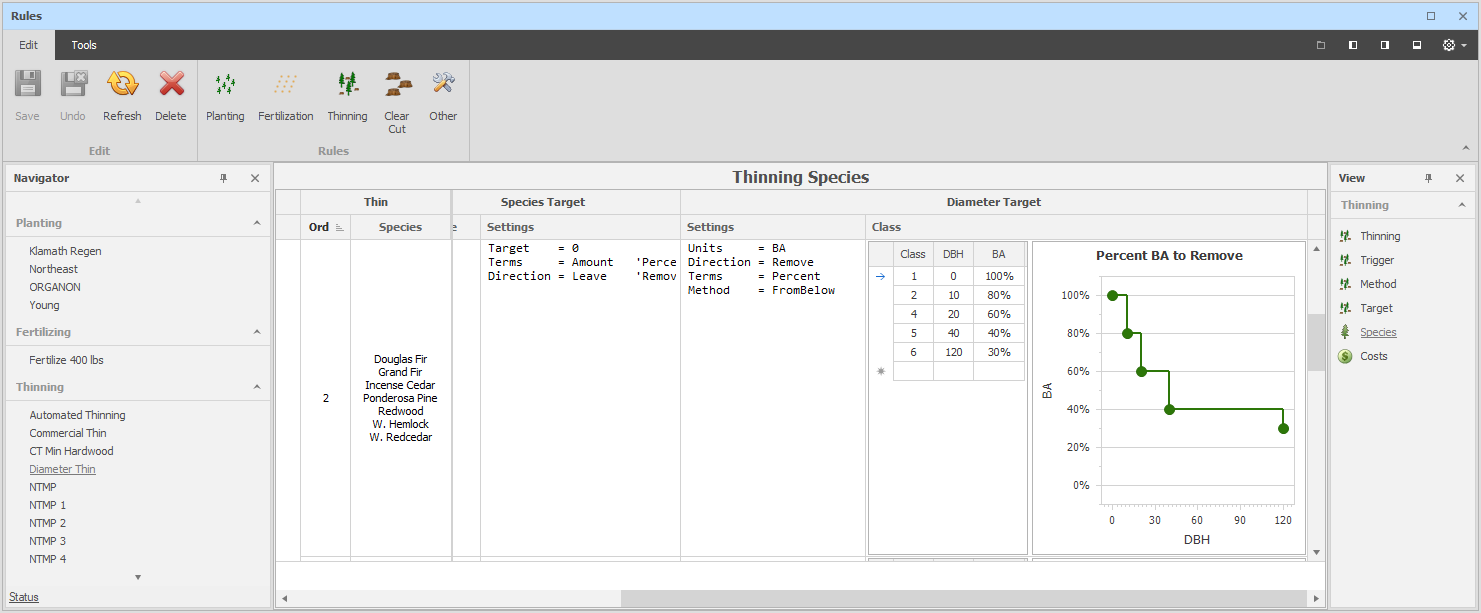
Thinning rules in Assisi remove trees to a target that is set for the stand, by species or by diameter class. Trees are selected from below, from above, evenly or tree by tree, and diameter-class targets can follow a BDq distribution.
Before version 2026.4.4, thinnings stopped about 1% short of their target, because the target check used the calibration’s minimum TPA as a tolerance. Thinnings now reach their target to within 0.001 in the target’s units, and diameter-class leave targets are applied in BDq thinning.
Burns and Die Offs added to History Simulation
2026.4.4
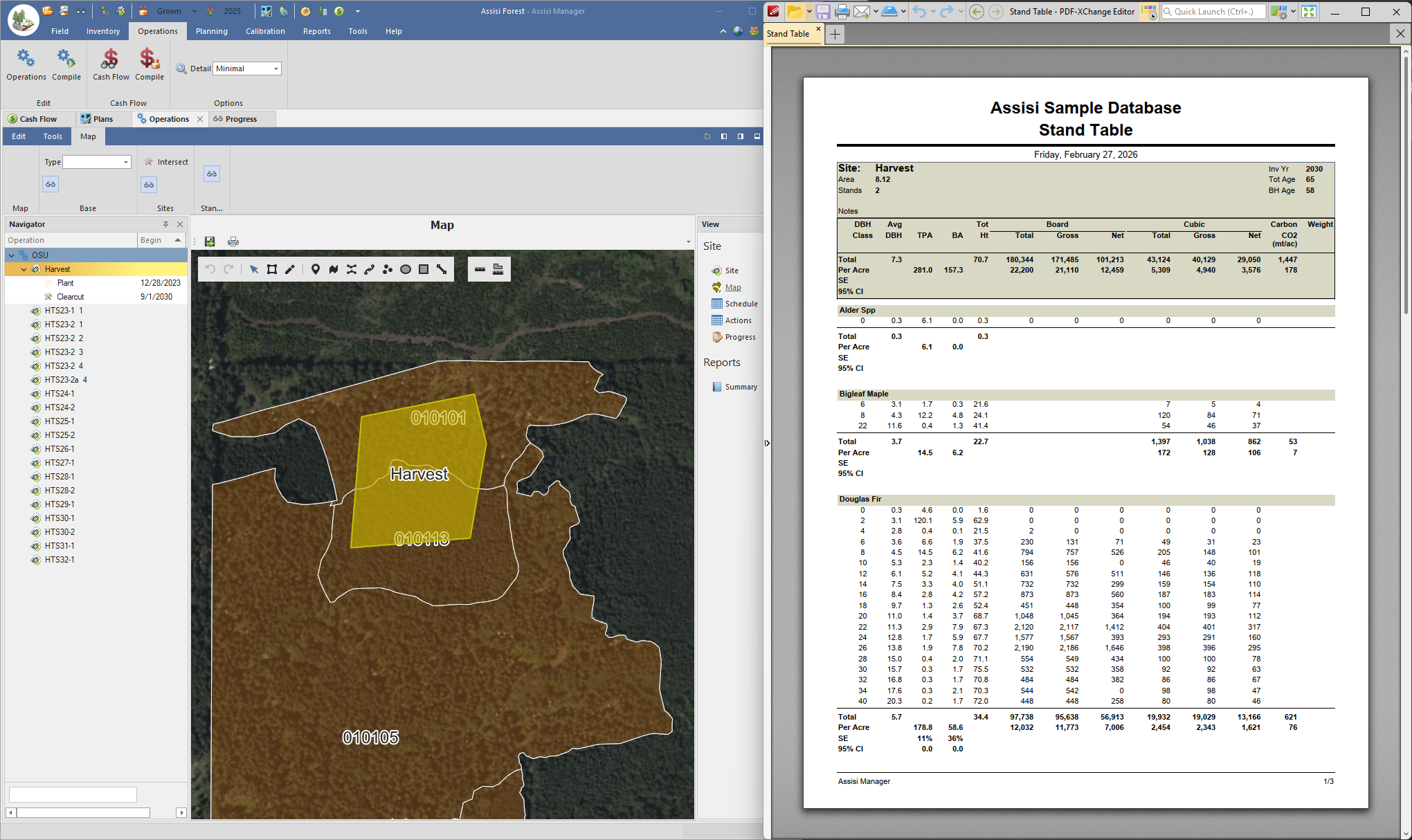
Each stand in Assisi can carry a recorded history of the treatments applied to it, such as thinnings, plantings and fertilizations. These actions are applied when the stand is grown, so that its projection reflects its recorded history.
Version 2026.4.4 added burns and dieoffs to the history actions. The trees lost can be described either by tree classes (a DBH range and TPA) or as individual tree records, and they are applied during growth in the same way as the other history actions.
Small Tree Records Merged, Not Dropped
2026.4.4
Assisi grows trees as tree records, each of which represents a number of TPA. The calibration’s minimum TPA sets the smallest number of TPA that a record can represent; a typical value is 0.01.
Before version 2026.4.4, tree records that fell below the minimum were removed from the simulation, and the TPA they represented were lost. Such records are now merged with similar records, so those TPA are retained. The default minimum was also changed from 0.01 to 0.001.
Separate Planting Diameters for Background and Response Regeneration
2026.4.4
Regeneration in Assisi has two parts: Background regeneration, the ingrowth that occurs without a disturbance, and Response regeneration, which follows a disturbance such as a harvest or burn.
Version 2026.4.4 allowed separate planting diameters to be set for Background and Response regeneration.
Even or Uneven Age Must Be Stated
2026.4.4
Each stand in Assisi has an Even Age? setting. ORGANON uses it to select its height models, and the Lake States silviculture uses it for cover types that can be managed as either even-aged or uneven-aged stands.
Before version 2026.4.4 the setting always held a value that might not have been entered by the user: the database column defaulted to even-aged, whereas stands created in the Field Data editor were set to uneven-aged. The setting can now be left blank, meaning that the management objective has not been stated. New stands, and stands imported without the field, start blank; existing stands keep their stored value. A blank is reported as an error only where a model requires the value. ORGANON reports an error for a stand without the setting. The Lake States silviculture reports one where a stand’s cover type can be managed either way (northern hardwood, hemlock, red maple, swamp hardwood and central hardwood) and the setting is blank, or where a stand is marked uneven-aged but its cover type has no uneven-aged prescription. A stand that grows into a cover type managed only as even-aged is managed as even-aged, and the treatment’s reason records the change.
Faster Reports
2026.4.3
The reports in Assisi summarize inventory, markets and harvests from the stand to the unit level, and the Cruise Sheet and Assisi Cruiser imports validate cruise data before they are written.
Version 2026.4.3 reduced the run time of several reports. On Assisi’s test data, the unit-level Market report fell from about 51 seconds to about 7 seconds, and the Butt Diameter report from about 284 seconds to under 5 seconds. Markets loaded during compile no longer require a slow database query, and keys were added to speed report queries. Validation in the Cruise Sheet and Assisi Cruiser imports was also made faster over remote desktop connections.
Faster Import and Export on Remote Desktops
2026.4.3
Assisi imports and exports data files for other systems, such as ORGANON and cruise sheets, and many installations run Assisi over a remote desktop connection.
Imports were already read from a local copy of the file. Version 2026.4.3 also writes exports to local disk first and then copies them to their destination, which reduces the time spent writing over a remote desktop connection. On Assisi’s test host, an ORGANON export of 7,274 stands fell from about 15 minutes to about 10 seconds. If the destination file is changed by another user during the export, the export stops rather than overwriting the file.
Recent Files on Import and Export
2026.4.3
Imports and exports in Assisi start from the Open button on the Import and Export tabs, which opens a folder browser to locate the source or destination file.
The Open button now has a drop-down list of recent sources and destinations, so that a file used previously can be selected without browsing for it again.
Assisi AI
2026.4.3
(Click here for the full Blog Post)
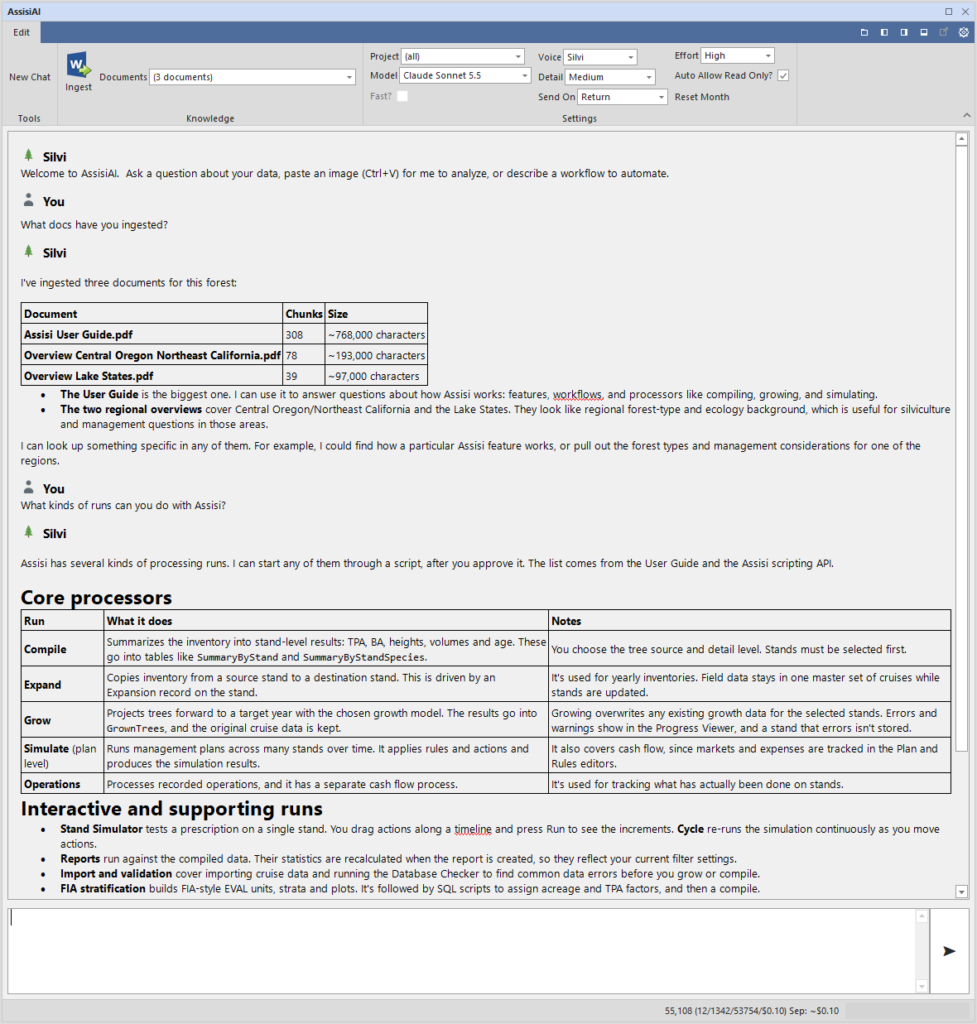
Assisi Forest compiles, grows, simulates and reports on forest data, and C# scripts in its Script Editor can automate that work.
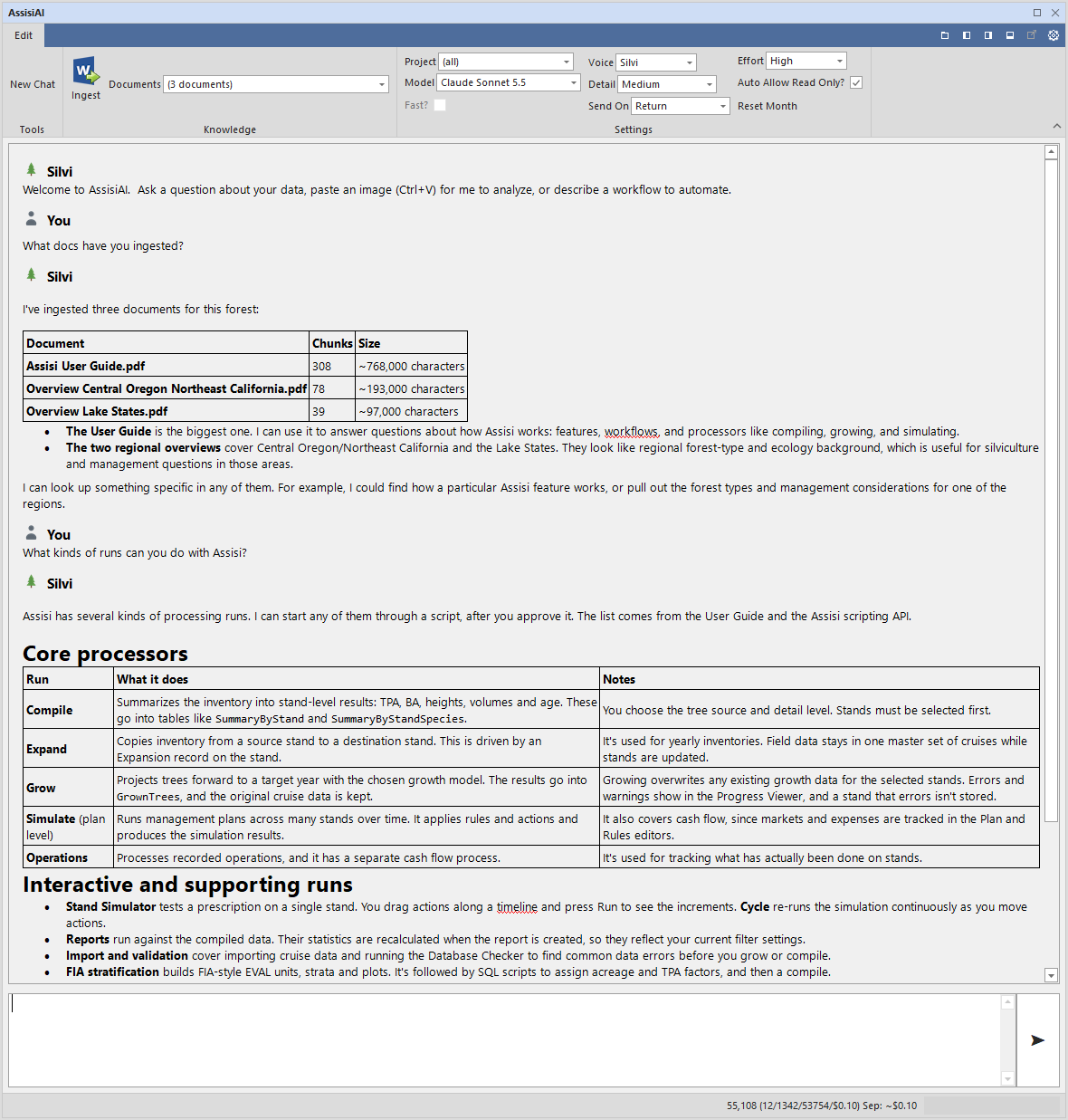
Assisi AI is an assistant built into Assisi Forest. In response to a question typed as a sentence, it can look up forest data, search the documents loaded into it (forest plans, regulations, silviculture guides and papers), run Assisi to compile, grow, simulate and report, write C# scripts into the Script Editor, and write the results as formatted Word documents. Each change it proposes is shown to the user for approval before it is made. The files it requires, namely memory packs, Word style templates and supporting libraries, are installed with Assisi, and further memory packs can be added by placing .md files in the Samples folder. Assisi AI is part of Assisi Enterprise and uses the customer’s own Anthropic API key.
Moved to .NET 10
2026.2.1
The source code base was migrated from .NET 8 to .NET10 to support more advanced EF Core database access methods.
Import/Export Using Drag Drop
2026.2.1
This version begins a re-code the drag and drop import/export of data files. Assisi uses drag/drop of database items such as Calibrations and Field Data as a way of exporting and importing data between Assisi databases. If you want to copy a calibration from one Assisi database to another for example, you can drag the calibration to the desktop, email it somewhere then drag it back into Assisi.
There has always been limitations though and the feature was not implemented everywhere. Starting with this version, we are re coding drag / drop and making it available for other items such as Markets, Cruise Designs, Inventories and Simulation results. Stay tuned.
Implementing EF Core Database Access
2026.2.1
We are moving from the older database access approach called “Datasets” to the newer approach called “EF Core”. Datasets are older and slower in many respects, and requires more effort to maintain. EF Core is faster and in particular accesses the database less than Datasets.
The changeover requires a good deal of code changes so we are switching over in steps rather than doing a whole scale change at once. This version implements EF Core for Calibration, Market and Cruise Design editing.
Silviculture Modeling Added
2026.1.2
This version of Assisi begins the process of modeling silviculture. The initial approach we are taking is the habitat/species group approach where featured, associated and undesirable species sets are defined for different habitat or forest types. Prescriptions then refer to these silviculture definitions to decide what treatments are to be modeled. The logic of silviculture selection and timing can be automated using simulation scripting.
There are other definitions and approaches to modeling silviculture of course, but starting with habitat/species groups allows us to formally define tables, editors and scripting approaches we think will be flexible enough to add to.
Bark Thickness Added to Field Data
2026.1.2
A field for bark thickness measured in the field was added to the Trees table.
Mapping Moved to Azure Maps
2026.1.2
Microsoft retired Bing Maps last year promoting Azure Maps as its successor. Assisi has replaced its Bing Maps implementation with Azure Maps. The Assisi GUI remains the same, however access to Azure Maps is now through a subscription. For demo and trial purposes, the Assisi Software subscription can be used. However it is throttled and must be shared by everyone not having their own subscription. So… please get you own subscriptions as soon as possible. A free or nearly free tier is available to begin with.
For perspective, it is really the routing and real time traffic or ground views that make up the services map tile vendors expect to make money off of. Seldom updated base maps of forested landscapes are not their target market and so are cheap to use.
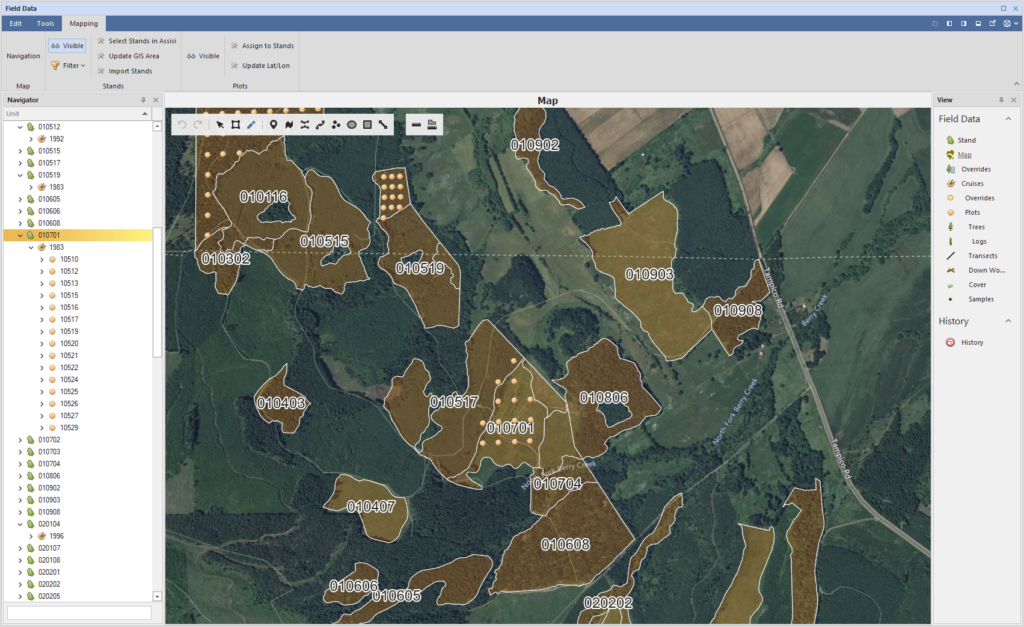
To implement your own Azure Maps subscription, sign up here (https://azure.microsoft.com/en-us/products/azure-maps) and enter you’re subscription number (“Key”) in the Configuration table under the AzureMapsKey row.